Smart match search
Set Gold, Elixir and Dark Elixir targets. FloBot searches until a base meets your rule.
 FloForge
WINDOWS AUTOMATION FOR CLASH OF CLANS
FloForge handles farming, controlled army deployment and wall upgrades from one focused desktop app—built for players who want their village moving even when they are away.
COMPLETE FARMING CONTROL
From finding the right base to finishing an attack and optionally upgrading walls, FloBot keeps the full routine configurable and compact.
Set Gold, Elixir and Dark Elixir targets. FloBot searches until a base meets your rule.
Randomised timing and placement vary each attack while staying inside configured regions.
Put spare Gold and Elixir back into your village with configurable thresholds.
Choose heroes, spells and session length, including an optional end-on-one-star setting.
CONTROLLED RANDOMNESS
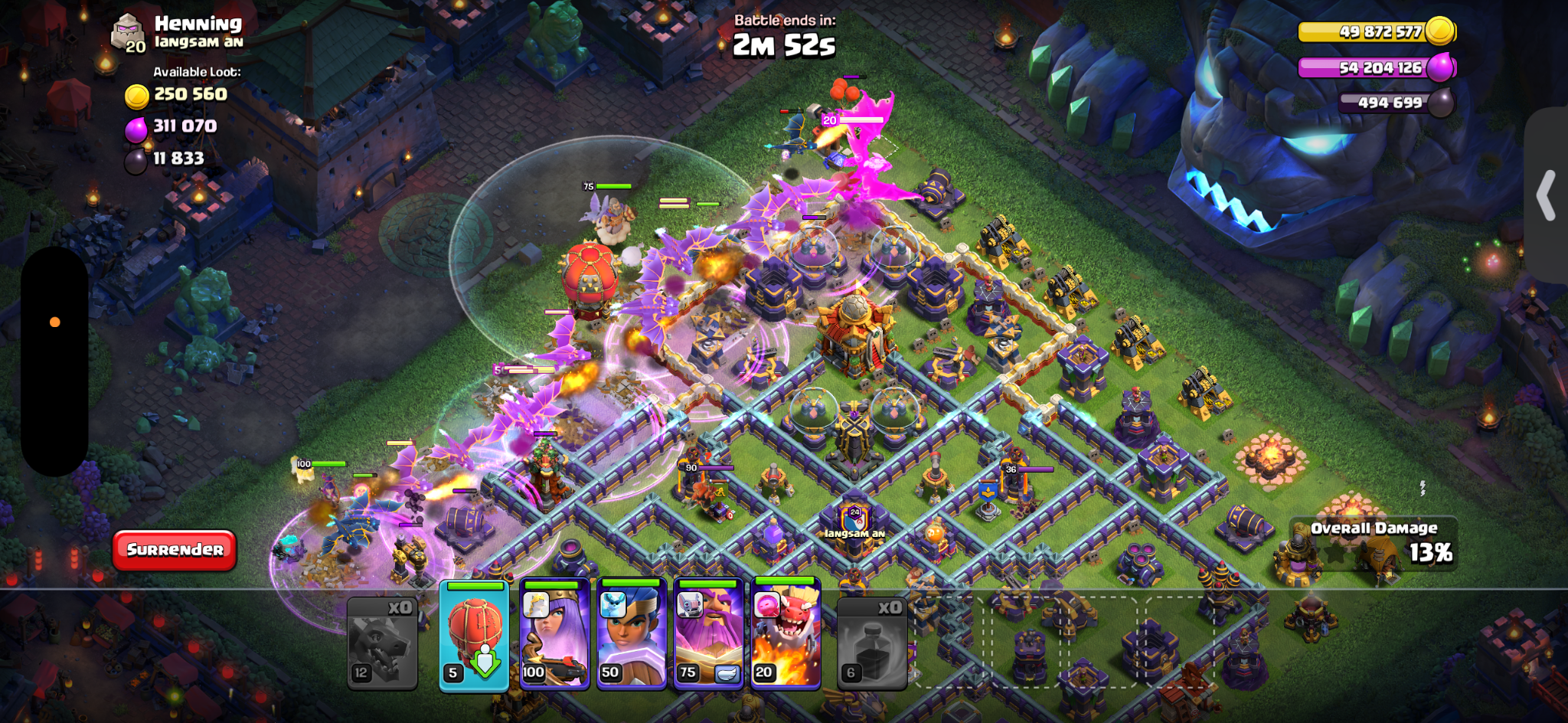
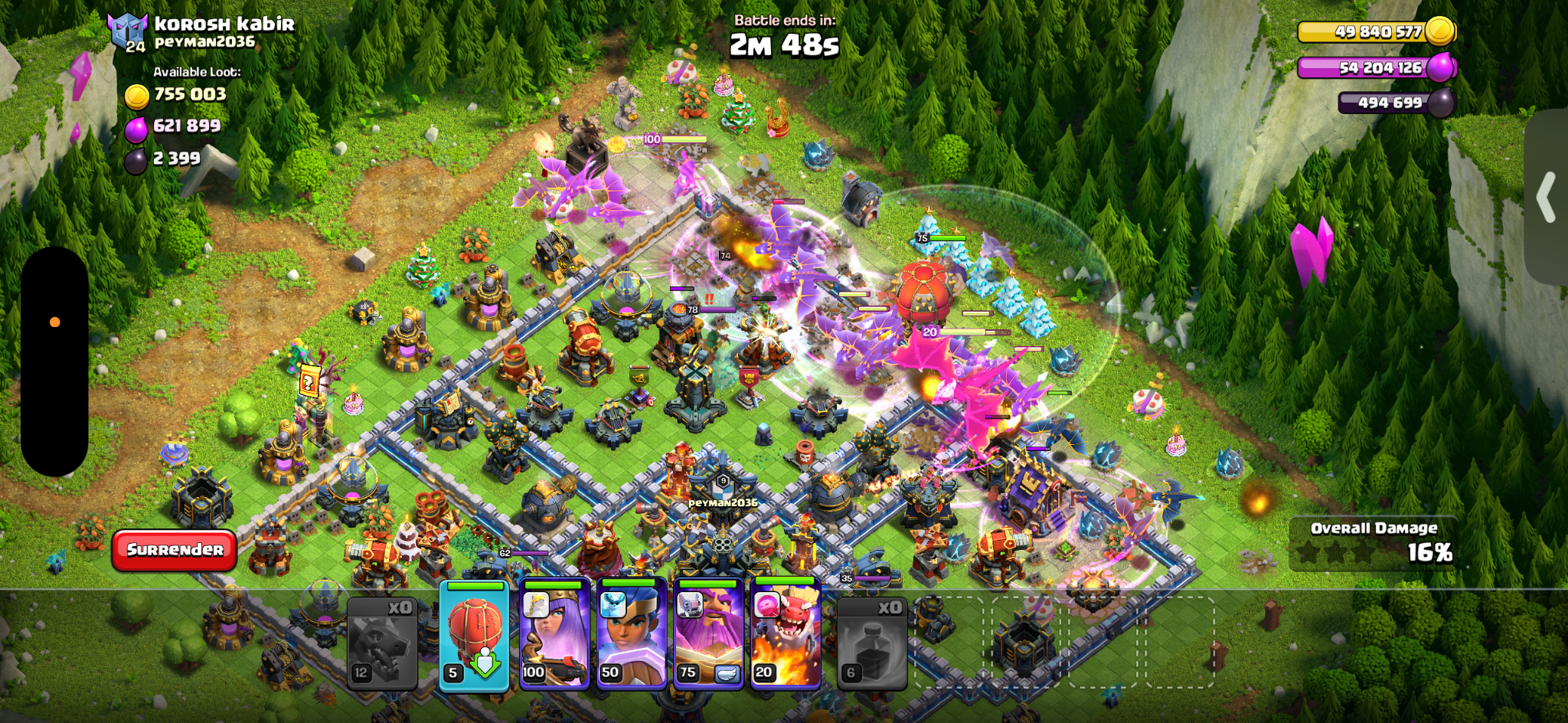
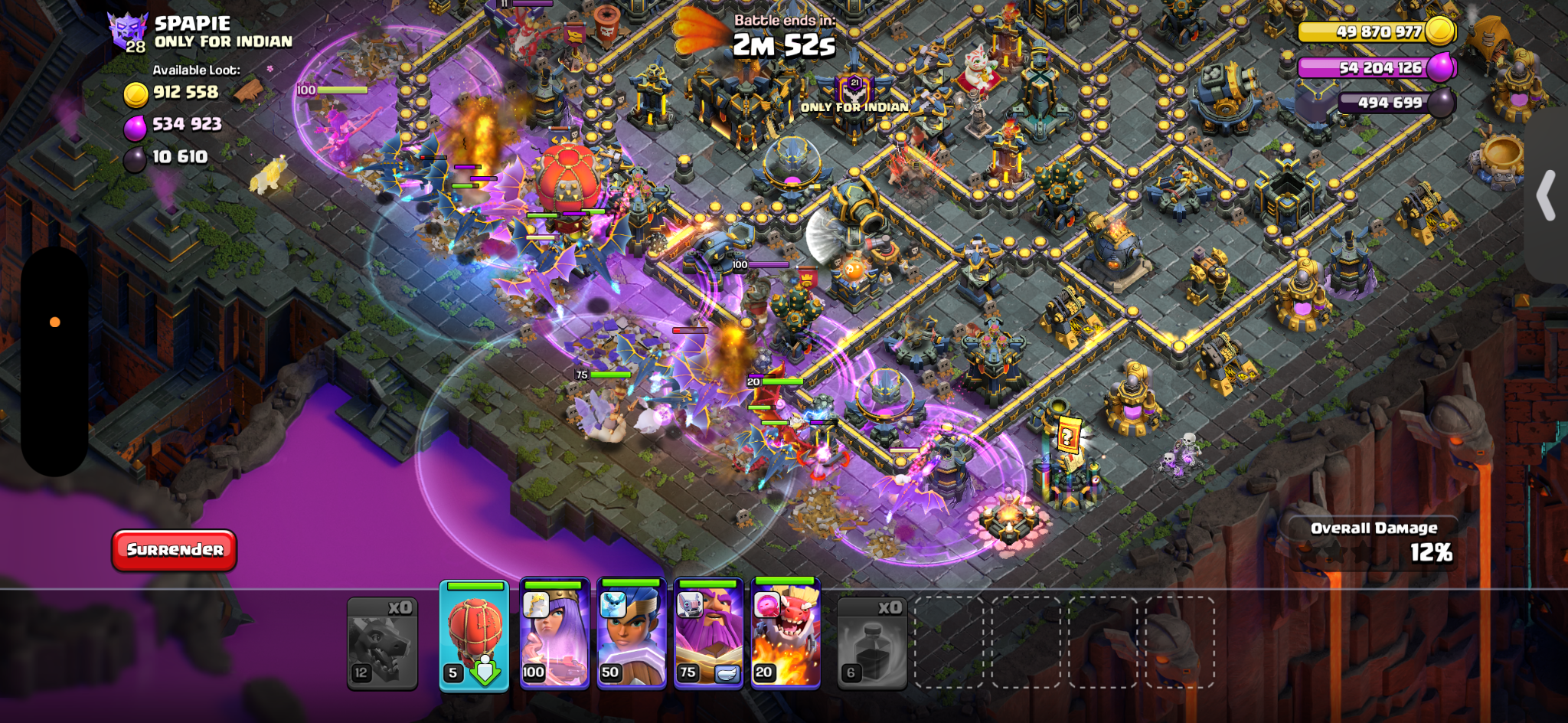
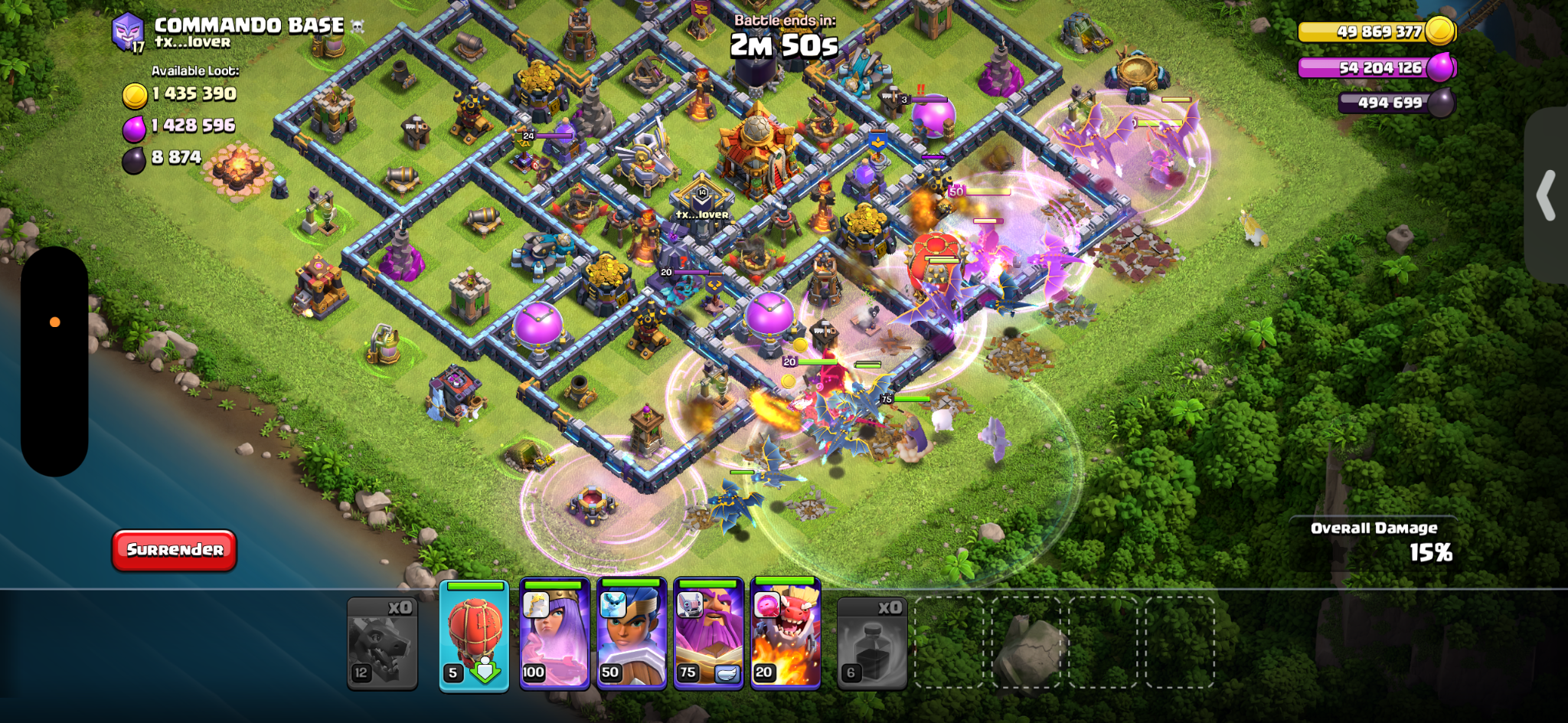
FloBot varies click timing and coordinates inside tested deployment regions while keeping every configured action within the valid battle area.
DESIGNED FOR DESKTOP
Use these system requirements with a non-stretched 16:9 game window for dependable recognition and deployment.
IMPORTANT TO KNOW
FloForge is independent software and is not affiliated with, endorsed or sponsored by Supercell.
Yes—there is always a risk. Using automation is against Supercell’s Terms of Service and may lead to a temporary or permanent ban. FloBot uses controlled variation in timing, cursor movement, deployment positions and session behaviour to avoid rigid repeated patterns, but no bot can honestly guarantee that it is undetectable or immune from enforcement.
FloForge is built for Windows 10 and Windows 11. A non-stretched 16:9 game window is recommended. Stretched or unusual aspect ratios may make screen recognition and deployment less reliable.
You can choose a fixed session length or unlimited runtime to suit your needs. Running continuously for more than 24 hours can increase exposure and detection risk, so shorter sessions with realistic breaks are strongly recommended.
Yes. Set minimum Gold, Elixir and Dark Elixir values, then choose whether any enabled target or every enabled target must be met before FloBot attacks.
Yes. Wall upgrading is a changeable setting, so FloBot can be used for farming only. When wall upgrades are off, you can enable ‘stop when storages are full’ so FloBot ends the session once it confirms your resources are no longer increasing. You can also set a wall threshold: this is the minimum Gold or Elixir balance FloBot must see before it attempts an upgrade, helping prevent it from spending resources below the reserve you choose.